


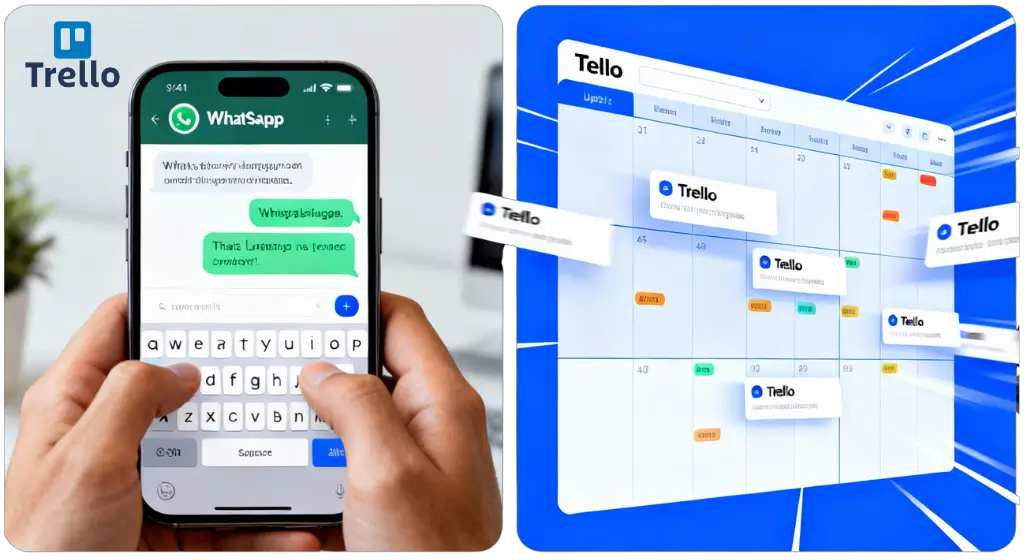
Your team spends 2+ hours every week clicking through Trello boards. Moving cards. Checking statuses. Updating labels. It’s exhausting—and there’s a better way.
Imagine typing “move website redesign to approved” in WhatsApp and it happens instantly. No logging in. No searching for the card. No endless clicking. That’s what an AI-powered Trello chatbot does—and it works in any language you speak.
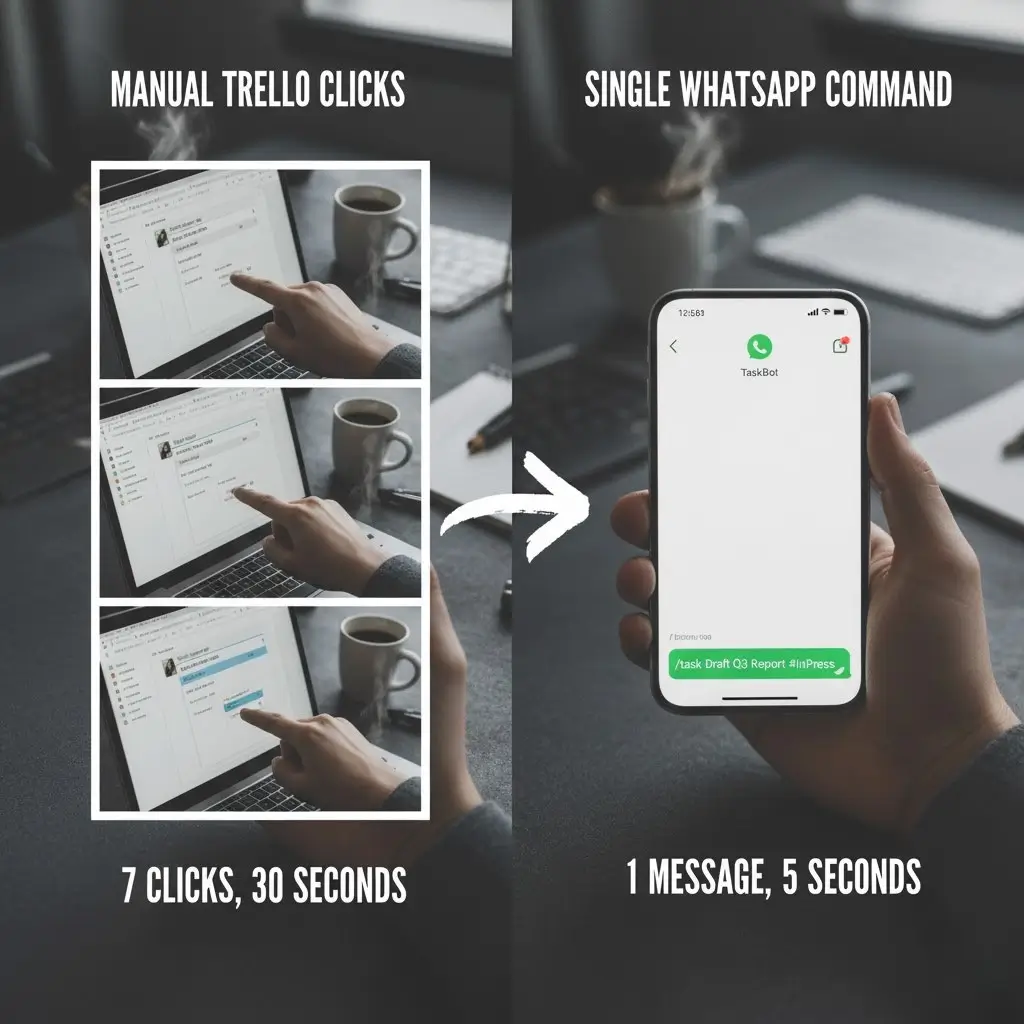
The Real Cost of Manual Trello Management
Project managers waste time on repetitive tasks that AI can handle in seconds. Every time you need to:
- Move a card between lists (5 clicks minimum)
- Check what’s in “Delivered for Review” (login, navigate, scroll)
- Update card labels for payment status (search, open, edit, save)
- Create a new task while away from your desk (forget it until later)
You’re bleeding productivity. Agencies report that manual project management creates bottlenecks, missed deadlines, and frustrated clients.
How an AI Trello Chatbot Actually Works
Unlike Trello’s built-in Butler automation that only follows rigid rules, an AI chatbot understands natural language in Arabic, French, Spanish, English—whatever your team speaks.
Here’s the magic: The AI agent connects to your Trello board and performs a two-step verification process:
- Understands your command: “Add invoice project to paid list”
- Finds the right card: Searches your board, identifies “invoice project,” gets the card ID
- Executes instantly: Moves the card and confirms back to you
This works because the AI uses advanced language models to process conversational commands and translate them into precise Trello actions.
Why Multilingual Support Changes Everything
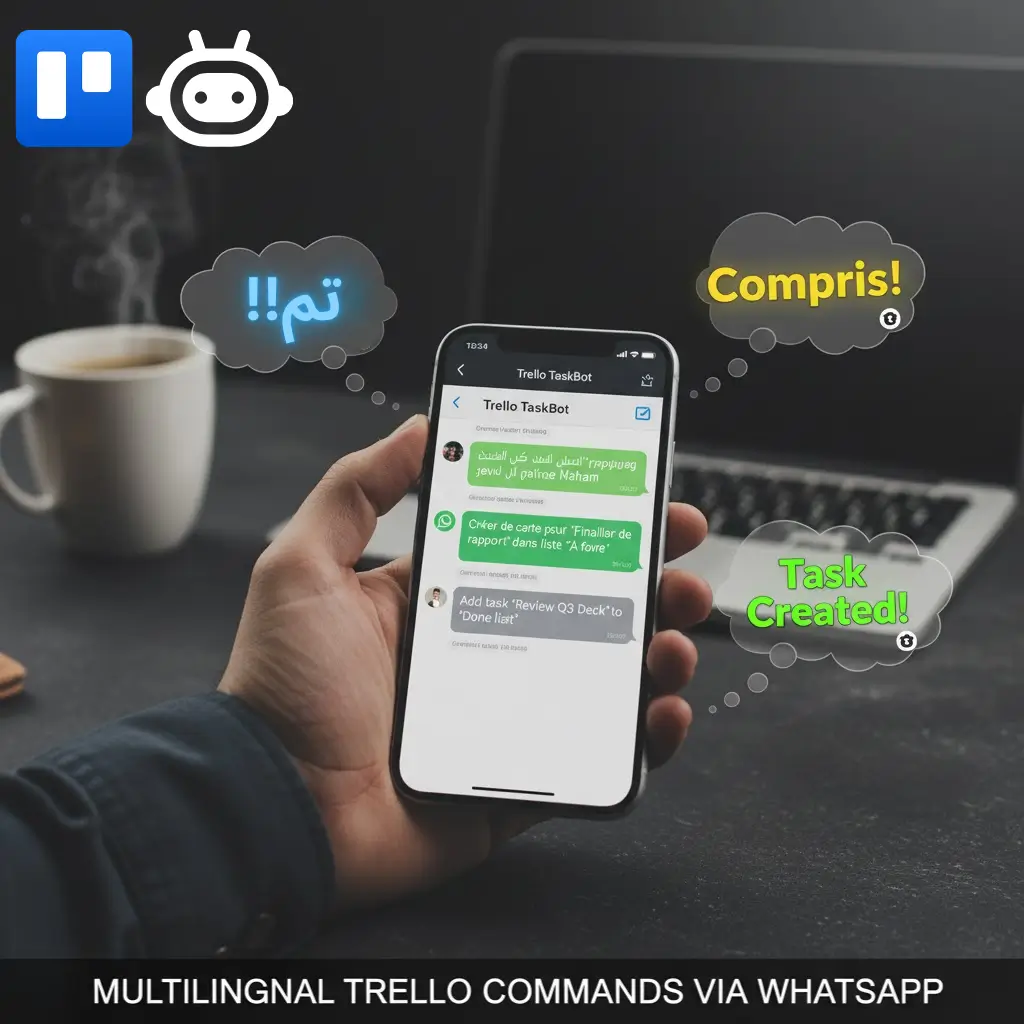
Your Moroccan team speaks Arabic and French. Your remote developer prefers Spanish. Your client sends messages in English. Traditional automation breaks here—but conversational AI doesn’t care.
The chatbot interprets context across languages using natural language processing (NLP), so everyone on your team can command Trello the way they think. No training. No memorizing commands. Just natural conversation.
Integration: More Than Just WhatsApp
While WhatsApp Business automation is exploding as a $15B economy, your Trello AI chatbot isn’t limited to one channel:
- WhatsApp: Manage boards from your phone during client meetings
- Slack: Type commands directly in your team channel
- Telegram: For teams preferring privacy-focused messaging
- Website chat: Let clients submit requests that auto-create Trello cards
- Email: Forward an email to create a task instantly
Each integration uses the same AI brain, so your workflow stays consistent everywhere.
Real Use Cases for Product Managers & Freelancers
Freelancers tracking invoices: “Show me all unpaid invoices” → Get instant list. “Move client X invoice to partially paid” → Done.
Product managers in meetings: Away from desk, client approves feature. WhatsApp the bot: “Move mobile checkout feature to approved.” Your developer sees the update immediately.
Agencies juggling clients: “Create card: Fix homepage bug for Acme Corp in New Requests list with high priority label”—all from Slack without opening Trello.
These scenarios save 30% of project coordination time based on NLP project management studies.
Smart AI Features That Make It Work
Our custom-built AI automation system connects seamlessly with Trello’s API to deliver enterprise-grade functionality. Your chatbot includes:
- Conversation memory: Remembers context so follow-up commands work (“now add paid label to it”)
- Board intelligence: Learns your complete board structure, lists, and label system
- Smart card search: Finds cards by name even with typos or partial matches
- Multi-action execution: Can create, move, update, delete, and manage labels—all conversationally
Unlike basic chatbots that only answer questions, this is an agentic AI that takes real action on your behalf.
Why This Beats Trello’s Native AI
Atlassian Intelligence (Trello’s built-in AI) only helps write card descriptions and summarize notes. It doesn’t:
- Execute actions via chat from external apps
- Support multilingual commands
- Work across WhatsApp/Telegram/Slack
- Remember conversation context between sessions
Your custom AI chatbot does all of this—and integrates with your existing business automation workflows.
Getting Started: From Idea to Live in 48 Hours
You don’t need to code. Here’s the process:
- Free audit: Kousouf analyzes your Trello workflow pain points
- Custom build: AI agent trained on your board structure, lists, and labels
- Integration: Connect to WhatsApp, Slack, or your preferred channel
- Testing: You verify commands work in your language
- Launch: Team starts using it immediately
The setup includes conversation memory, error handling, and fallback responses if the AI doesn’t understand something.
ROI Reality: If your team saves 2 hours/week at $50/hour = $5,200/year saved per person. The chatbot pays for itself in the first month.
What About Security?
Your Trello API credentials stay encrypted. The AI agent only accesses boards you authorize. All conversational AI systems built by Kousouf follow SOC 2 compliance standards for business automation.
Messages aren’t stored beyond the session memory needed for context (like “move that card” referring to the previously mentioned card).
Ready to Stop Clicking?
Manual Trello management is draining your team’s energy on tasks AI handles in seconds. Whether you’re a freelancer tracking invoices or an agency managing 50 client projects, a multilingual Trello chatbot gives you instant control from anywhere.
Kousouf has built this exact system for agencies, real estate companies, and e-commerce businesses across the GCC and Morocco. The difference? You get a custom AI automation designed for your workflow—not a generic template.
Book your free 30-minute strategy session: contact@kousouf.com or WhatsApp +212 626 652810. Let’s show you exactly how this works with your Trello boards—in your language.
Related Resources
- How AI Agents Work with Trello – Technical deep dive
- Trello Butler Automation Guide – Native features overview
- WhatsApp Business API Automation – See integration examples